Clean Your Phone Before Selling – Step-by-Step Guide
 Yaskar Jung ShahUpdated: Aug 19, 2026·7 min read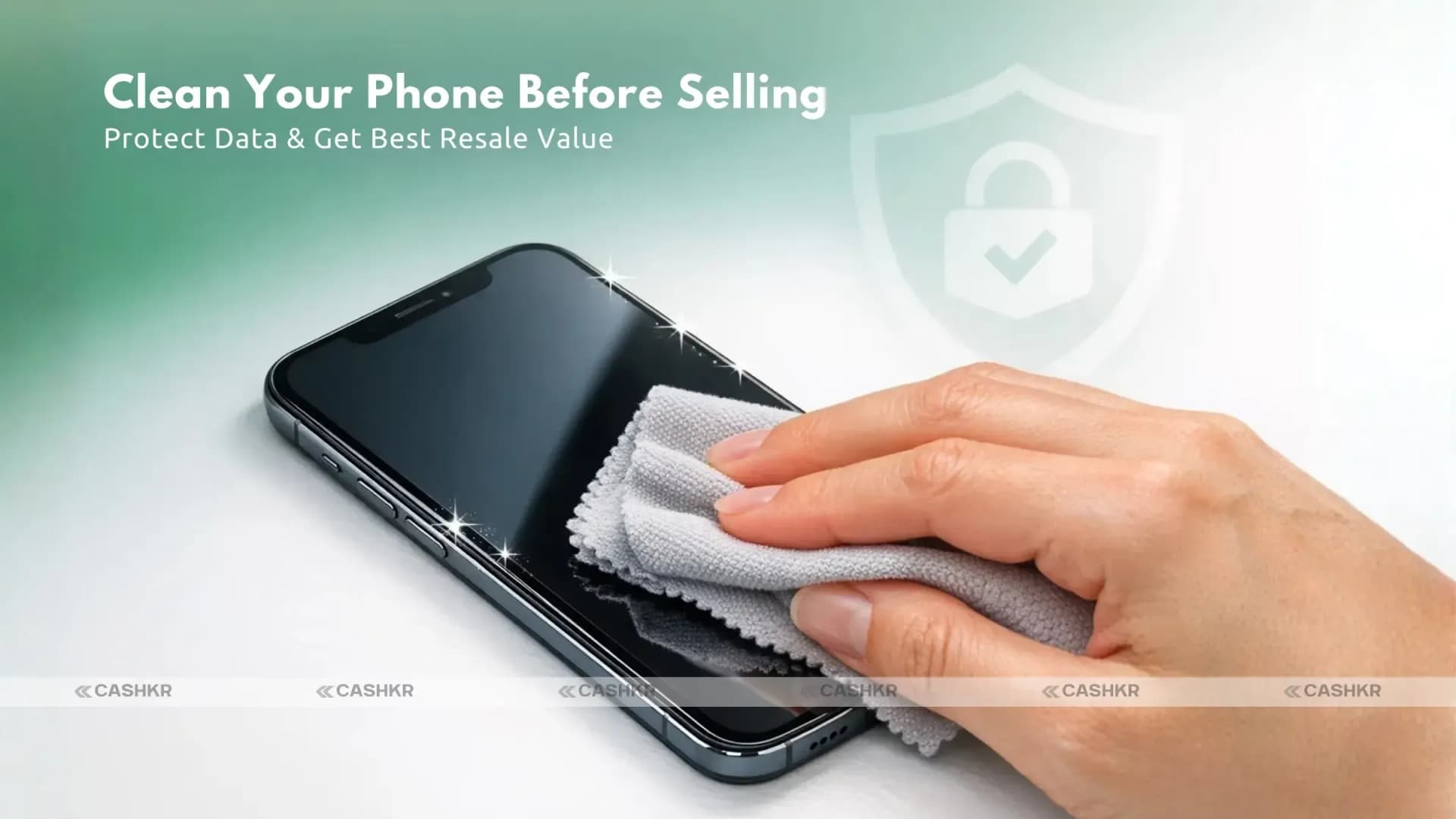
Clean your phone before selling to keep data safe.

Get the Cashkr app for faster payouts
 Yaskar Jung ShahUpdated: Aug 19, 2026·7 min read
Clean your phone before selling to keep data safe.
You may make additional money, get a new phone, or clear out your space by selling your old smartphone. But it's important to clean your phone well before you give it to someone else. You have to delete personal information and make sure it's ready for the next user, both physically and digitally. This will not only keep your personal information safe, but it will also help you sell your phone safely and for the most money.
With trusted platforms like Cashkr, you can safely sell used gadgets, including phones, get instant cash, and enjoy verified pickup services. This guide walks you through phone cleaning tips and shows how Cashkr makes selling your old device effortless.
A lot of individuals don't realize how important it is to clean their devices before selling them. But it's really important to clean your phone before you sell it, whether you're selling it online or to someone in your area. This is why:
Keep Your Privacy Safe: Messages, emails, photographs, and passwords are all stored on phones.
Increase Resale Value: A well-cleaned and reset device appears more attractive to buyers.
Avoid Disputes: Handing over a device that's clean and functional reduces conflicts.
Professional Impression: Shows that you care about your device and the buyer's experience.
Platforms like Cashkr even verify the condition of devices and offer transparent pricing, ensuring you sell your phone safely and get a fair deal.
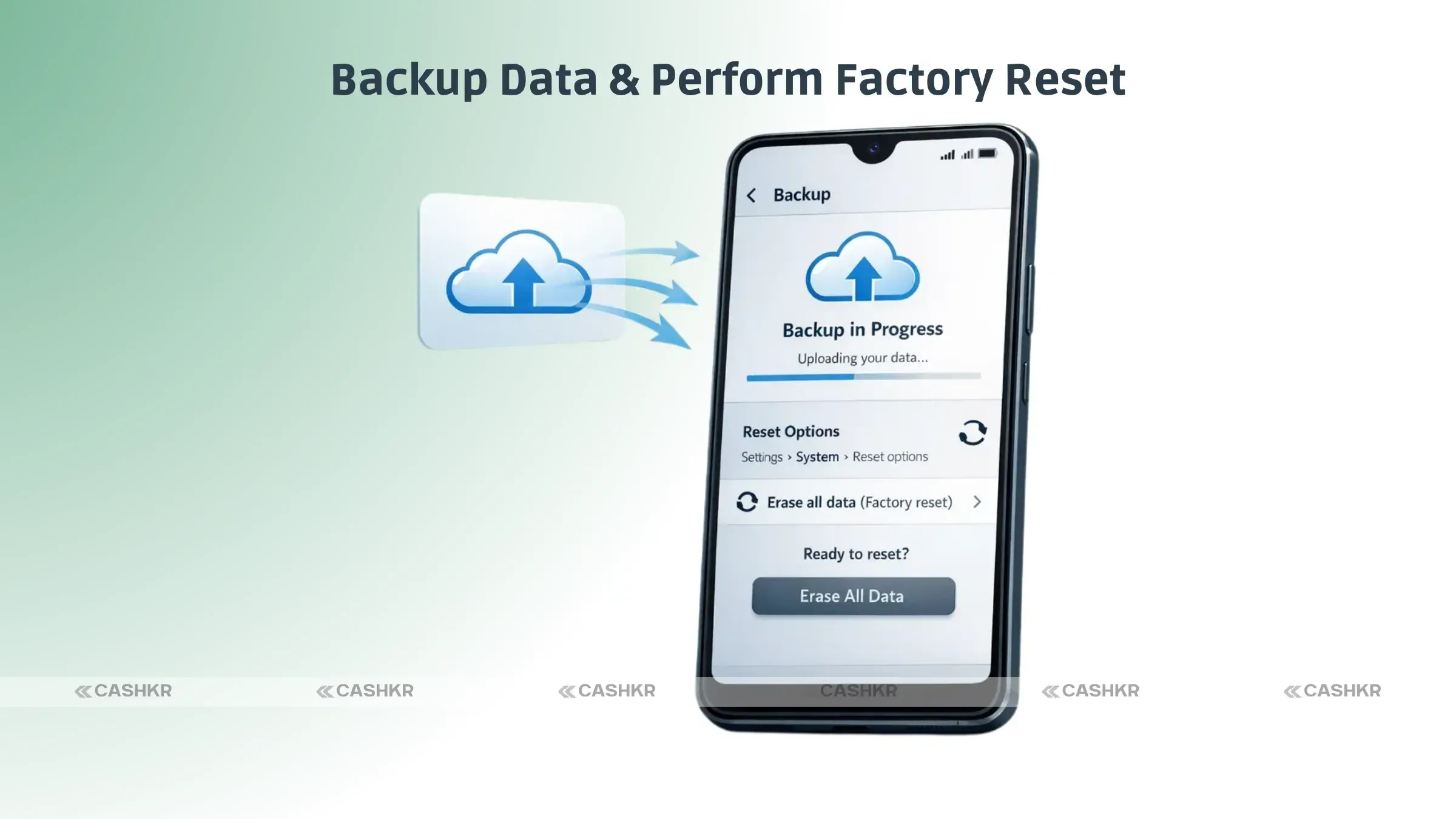
Before you begin cleaning your phone, you should back up important data. This ensures you don't lose valuable information.
Use Cloud Services: Google Drive, iCloud, or other cloud storage options.
Export Media: Photos, videos, and important documents can be moved to your PC or external storage.
App Data: Apps like WhatsApp allow chat backups to cloud storage.
Once your backup is complete, you're ready to proceed to the next step.
Also Read: MacBook Neo vs MacBook Air M5: Best Apple Laptop 2026?
To prevent any login issues for the buyer, remove all accounts from the device:
iOS Devices: Sign out of iCloud and Apple ID.
Android Devices: Remove your Google account and any other linked accounts.
Check for Locks: Ensure there's no screen lock or factory reset protection active.
This step is crucial for preparing your phone for sale and using services like Cashkr, which require the device to be ready for instant resale.
A factory reset wipes all personal data and restores the device to its original settings.
Android: Settings → System → Reset Options → Erase All Data.
iPhone: Settings → General → Transfer or Reset iPhone → Erase All Content and Settings.
After this, your phone will be free of personal information and ready for the new user. Performing a factory reset is one of the most important phone cleaning tips.
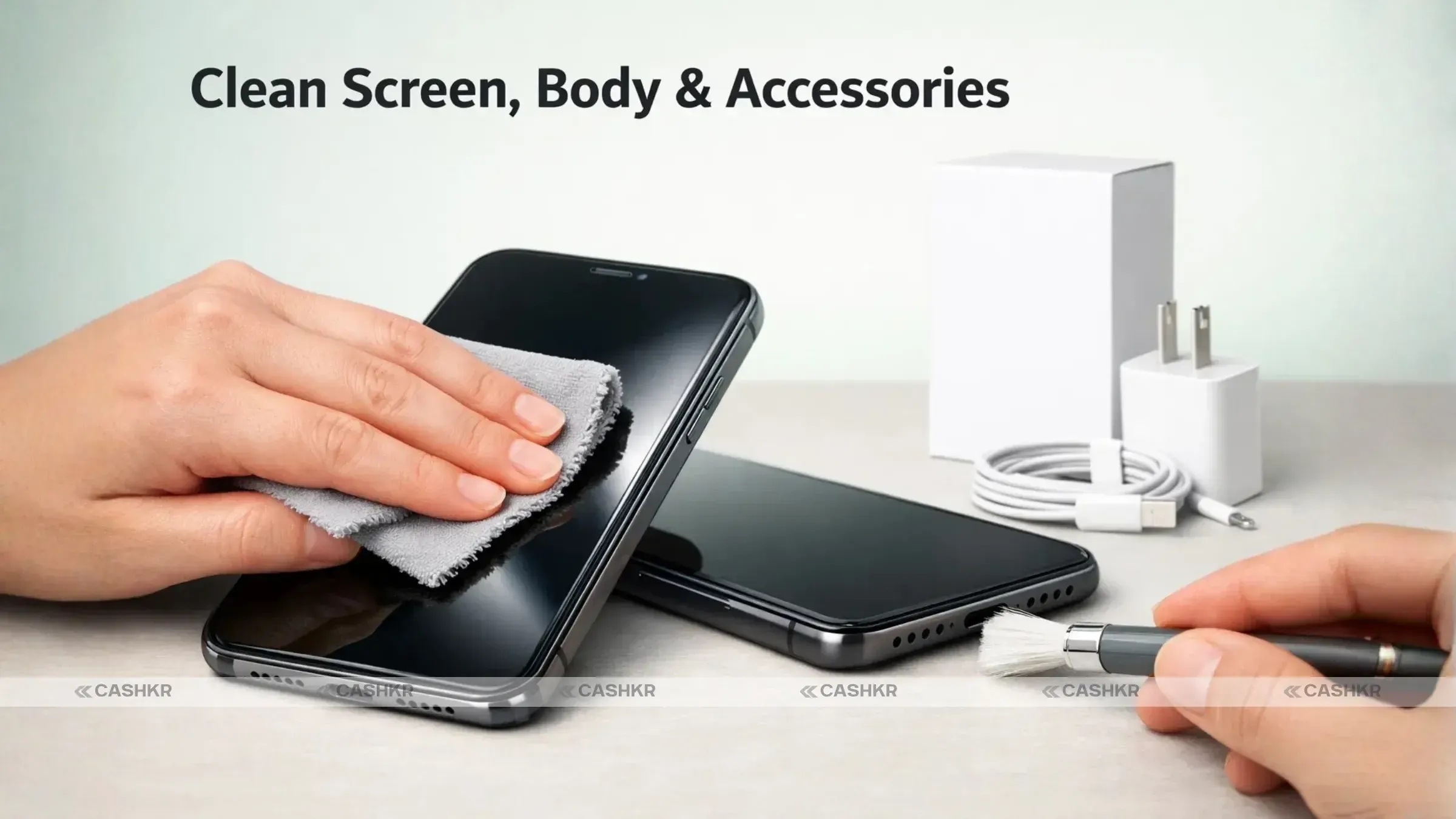
Physical cleaning makes a phone more appealing and increases its resale value. Here's how to do it:
Screen: Use a microfiber cloth with a few drops of water or screen-safe cleaner.
Body: Clean the back and sides gently to remove dirt, grease, and fingerprints.
Ports & Speakers: Use a soft brush or compressed air to remove debris.
Case & Accessories: If you're selling with original accessories, clean them too.
A polished device creates a good impression and demonstrates care to the buyer. Cashkr inspectors also evaluate the physical condition, so keeping your phone clean can help you get the best price for old phones.
Before selling, inspect your device for scratches, dents, or functional issues.
Screen Cracks: Consider using a screen protector if minor scratches exist.
Battery Health: If the battery doesn't work as well as it should, let buyers know. They want honesty.
Buttons & Ports: Make sure all buttons, USB ports, and headphone jacks work properly.
It's a professional way to keep track of any small problems. Cashkr also considers the condition when delivering an immediate quote, so fixing minor issues might help you get the most money.
Having the original box, charger, and cables can significantly increase your resale value. If you still have them, include:
Original box and manuals
Charger and data cable
Earphones (if included originally)
Any extra accessories, like cases or adapters
This demonstrates that your phone has been well-kept and is ready for resale. Cashkr allows you to include all these accessories in your listing, improving your instant cash for old phones offer.
High-quality images improve your chances of selling quickly. Consider:
Lighting: Use natural light to capture the device clearly.
Angles: Show front, back, and sides of the phone.
Accessories: Include all extras like chargers, cables, and boxes.
Clear photos help Cashkr or other verified buyers quickly assess your device and provide an accurate best price for phone quotes.
You can post your phone on trusted sites like Cashkr once it's clean and ready:
Get an Instant Quote: With Cashkr's online service, you can get an exact price right away.
Verified Pickup: Set up a safe, contactless pickup from your location.
Quick Payment: Get paid right away after your gadget is checked.
Clear Process: Cashkr makes sure there are no hidden costs and fair prices.
This makes the sale safe, fast, and hassle-free. Selling through Cashkr ensures you get the best price for your old phone with minimal effort.
Also Read: Samsung Exchange vs Selling Online: Which Pays More?
Cleaning your phone before you sell it is important for preserving your data, getting a better price, and making sure the sale goes well. You can safely sell used electronics and get cash for old phones right away by following these steps: back up your data, perform a factory reset, physically clean the device, and use a trusted platform like Cashkr. Cleaning your phone is worth the effort and money, whether you're getting a new one or just getting rid of some old stuff.
1. How do I clean my phone before selling it?
Before you sell your phone, please back up your data, delete your accounts, do a factory reset, and clean it up. Platforms like Cashkr make sure that transactions are safe and that you get your money right away.
2. Why is a factory reset important when selling old phones?
A factory reset removes all personal information and prepares the device for the next owner, preventing data leaks.
3. Does cleaning the phone improve its resale value?
Yes, purchasers will pay extra for a phone that is clean and well-maintained.
4. Should I include accessories when selling my phone?
Yes, original chargers, cables, and packaging can increase your payout and make the sale smoother.
5. Where is the safest place to sell my phone after cleaning it?
Trusted platforms like Cashkr provide instant quotes, verified pickups, and quick payment for safe and reliable sales.
If you want to sell your old devices, then click here.
Sell with Cashkr
Cashkr buys used devices at a fair price with free doorstep pickup and same-day payment across 2,000+ pincodes. Get an upfront quote in seconds.
Sell Old Phone OnlineCheck your phone's value in seconds
Written by

Top 10 phone buyback sites India 2026 Cashkr Cashify OLX compared here.
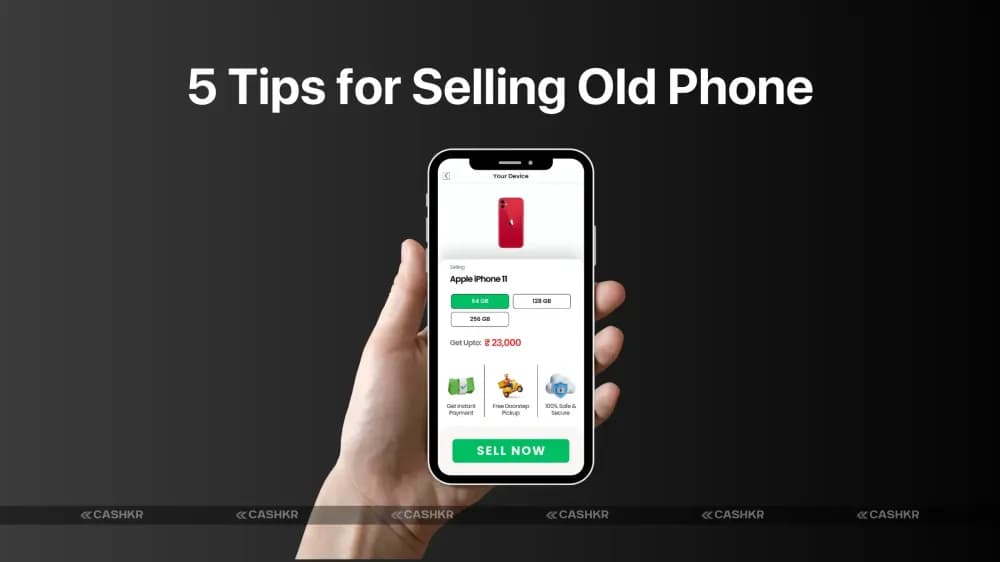
5 tips to sell your smartphone safely and securely with Cashkr