Google Pixel Phone Gets a Smart Glow Notification Feature: What Pixel Glow Is and Why It Matters
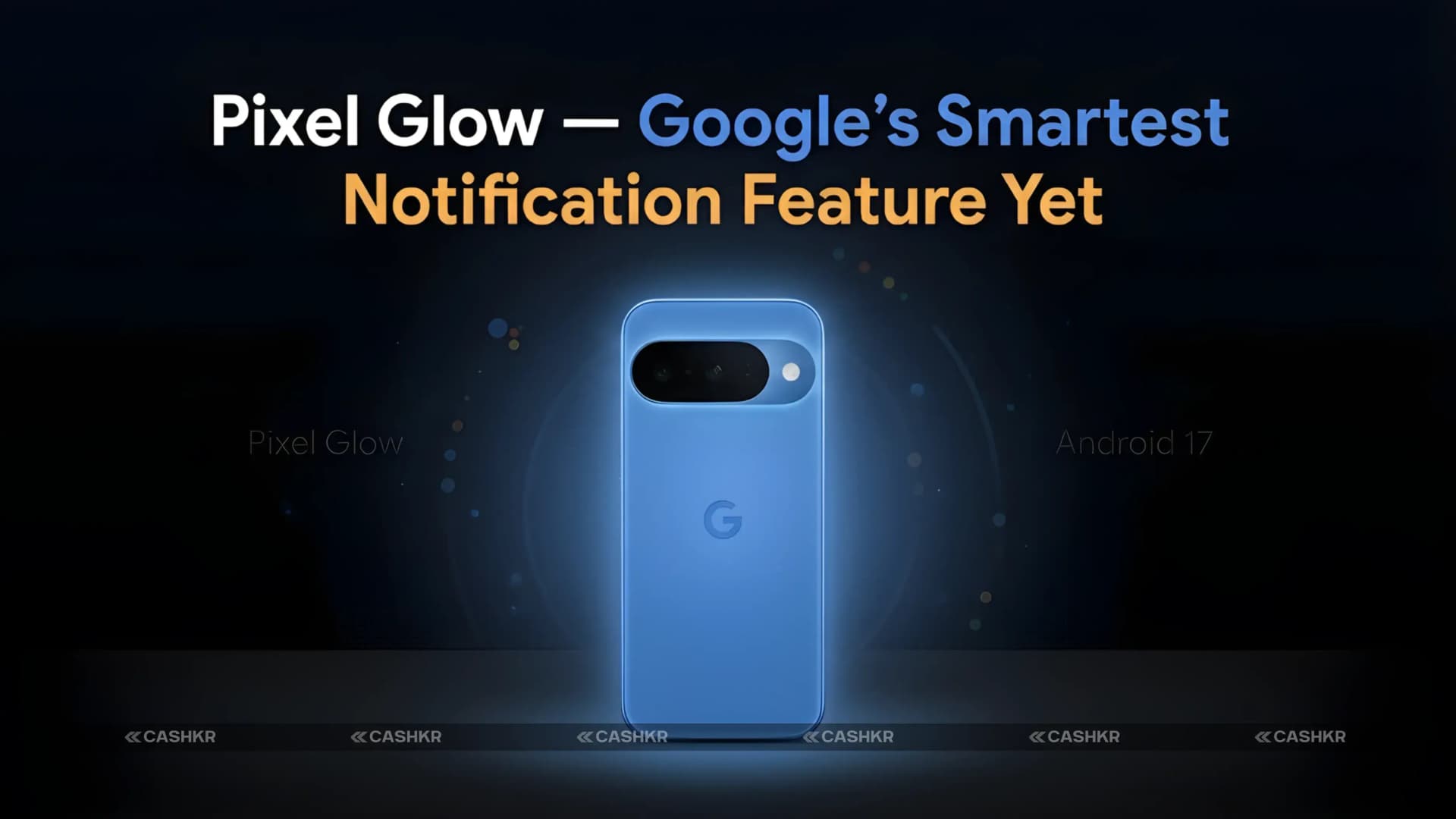
Google is developing a new feature called Pixel Glow for its next Pixel phones, and it has already shown up in the Android 17 Beta. This early preview hints that the next Pixel could offer something genuinely useful.
Pixel Glow is a notification system that uses lights on the back of your phone to show when you get a call or message, without any sound or vibration. When your Pixel is face down, the back glows for alerts. Different colors can mean different types of notifications. Google's Gemini AI will likely decide which alerts are important enough to light up.
Developers have found this feature in the Android 17 Beta code, showing that Google is working on it. Pixel Glow is expected to launch with the Pixel 11 series. Here’s a simple breakdown of what we know so far.
Yaskar Jung Shahis a technology enthusiast with over 5 years of experience covering AI, machine learning, and has contributed to major tech publications worldwide. He holds a Master's Degree in Computer Science from leading institutions.
Google Pixel Glow Feature Spotted in Android 17 Beta
What’s coming: Pixel Glow is a new RGB notification light on the back of the Pixel 11. It lights up quietly for calls or notifications, and Gemini AI decides which alerts appear based on importance. It needs special RGB LED hardware, so only future Pixel phones will have it. We’ll know more after Google’s official announcement.
What Is Pixel Glow and How Does It Work
Pixel Glow is easy to use. When you get a notification, the back of your phone lights up softly instead of ringing or vibrating.
Many people put their phones face down during meetings, meals, or work. In that position, your phone stays silent, so you might miss calls or important messages unless you pick it up to check.
Pixel Glow fixes this problem. When your phone is face down and you get a notification, the back lights up. You can see the glow at a glance without picking up your phone. If you use different colors for contacts or apps, you’ll know what kind of alert it is just by the color.
1. Place your phone face down: Put your phone on the table with the screen facing down. This is a common habit when you want fewer distractions.
2. A notification arrives: Someone calls you, sends a message, or a reminder goes off.
3. The back lights up: Instead of ringing loudly or buzzing, the back of the phone glows with a soft coloured light. You notice it without disturbing anyone else.
4. You decide what to do: You see the glow, know something has happened, and choose whether to pick up the phone or leave it. No interruption unless you decide there is one.
You can set colors to mean different things. For example, red might show a call, blue a message, and green a calendar reminder. This lets you know what type of notification you have just by looking at the color, even from across the table.
It’s similar to a smart doorbell that flashes a light instead of making noise, which is helpful in quiet places. Pixel Glow does the same for your phone. In quiet settings like libraries, meetings, or cinemas, a soft glow is much less disruptive than a ring or vibration, but still lets you know you have a notification.
What makes Pixel Glow different from a regular notification light is its use of Google Gemini AI.
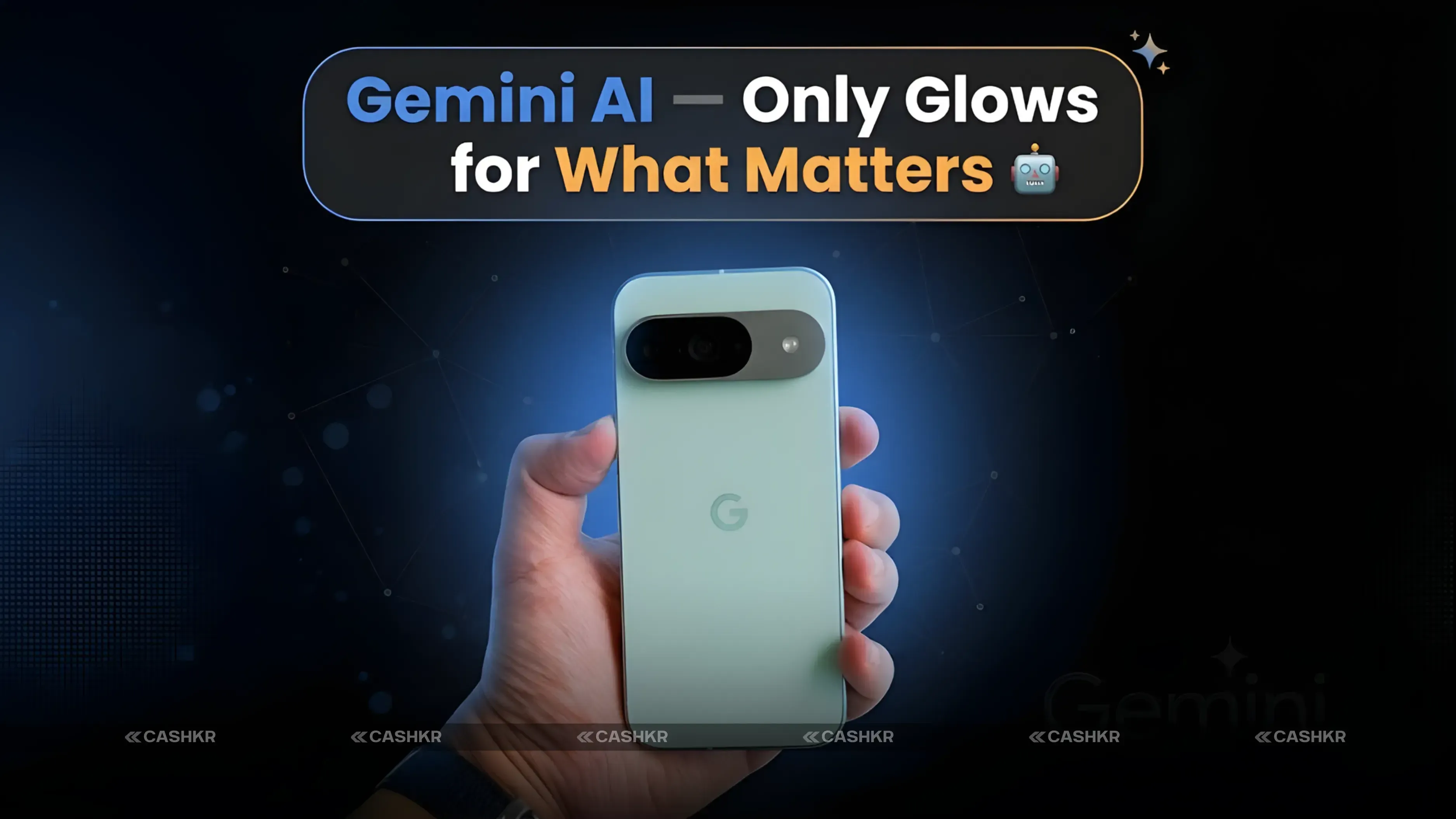
Gemini is Google’s AI assistant built into Pixel phones. With Pixel Glow, Gemini will likely decide which notifications are important enough to light up the back, and which can wait until you check your phone.
Here’s how it works in real life. If you’re in a meeting with your phone face down, you might get a message about lunch being late and a call from your child’s school. Gemini would recognize the school call as more important and make the backlight brighter or a special color. The lunch message might not light up at all, or just show a faint glow.
This smart filtering means you can trust the glow. If the back lights up, it’s for something important. If it stays off, you can focus without worrying you’re missing anything crucial.
The AI also learns over time which contacts and apps are most important to you, and adjusts the glow’s priority automatically, so you don’t have to set it up yourself.
Why are AI-powered notifications better? On older phones, the notification light turns on for everything, whether it’s a group message or a call from family. With Gemini, your Pixel learns what’s important and only glows for alerts that really matter. Over time, it becomes a system that understands your needs instead of just reacting to every alert.
Pixel Glow isn’t just a software feature. It needs special RGB LED lights built into the back of the phone. That’s why it’s expected to launch with the Pixel 11 series, not as an update for older Pixel phones.
RGB stands for Red, Green, and Blue. RGB LEDs mix these colors to create almost any color of light. This technology is used in gaming keyboards, smart bulbs, and TV backlights. By adding RGB LEDs to the back of the Pixel, Google can offer a full range of notification colors for Pixel Glow.
This is different from the camera flash notification feature found on Android phones for years. Camera flash notifications use a single, bright white light, which isn’t subtle or colorful. Pixel Glow is designed for a softer, more ambient notification experience.
The RGB LEDs for Pixel Glow are placed to spread light evenly across the back of the phone, creating a soft glow instead of a single, harsh spot.
Pixel Glow vs Flash Notifications vs Nothing Glyph Interface
Pixel Glow isn’t the first feature to use the back of a phone for notifications. Here’s how it compares to other options:
Feature
Google Pixel 11 (Expected)
Most Android Phones
Nothing Phone Series
Where Light Comes From
Back of the phone (RGB LEDs)
Camera flash on back
Vertical LED strips on back
Light Style
Soft, colourful glow
Bright single flash
Patterns and animations
Works Face Down
Yes
Yes
No (strips on back)
AI-Powered
Yes (Google Gemini)
No
No
Smart Priority
Yes, by importance
No
No
Custom Per App
Yes
Limited
Yes
Pixel Glow’s main advantage over other options is its use of Gemini AI. Standard flash notifications and the Nothing Glyph Interface don’t use AI, so they treat all alerts the same. Pixel Glow learns and prioritizes, so the light actually means something.
The Nothing Glyph Interface is the closest visual comparison. It uses LED strips on the back of Nothing Phones for patterns and animations. However, Glyph strips face upward and are easiest to see when the phone is in landscape mode. Pixel Glow is made for face-down use, which is a different and often more practical approach.
What to Expect From the Google Pixel 11 Series
Pixel Glow is expected to launch with the Pixel 11 series. Here’s what early leaks and rumors say about the Pixel 11:
Feature
Details
Display
6.3-inch LTPO AMOLED
Chipset
Tensor G6 (Google’s in-house chip)
Modem
New modem for improved 5G connectivity
Feature
Pixel Glow notification lighting (expected)
AI
Google Gemini AI integration
Status
Rumoured specs, not officially confirmed
The Tensor G6 chip is Google’s own processor, built mainly for AI tasks. Earlier Tensor chips focused on AI processing rather than gaming power. The G6 is expected to do the same, making the Pixel 11 especially good for Gemini AI features like Pixel Glow’s smart notifications.
The Pixel 11 is expected to have a 6.3-inch LTPO AMOLED display, continuing the Pixel tradition of high-quality screens with variable refresh rates to save battery when the screen isn’t changing.
These Pixel 11 specs are just rumors for now. Google hasn’t officially shared any details yet. Everything above comes from leaks and the Android 17 Beta code, so the final phone could be different. Wait for Google’s announcement for confirmed info.
Why Pixel Glow Could Make the Google Pixel Phone Stand Out
By 2026, most flagship phones will have similar specs—fast chips, good cameras, and big batteries. It’s getting harder for any phone to truly stand out.
Pixel Glow is a feature that changes how you use your phone every day. It’s not just a spec you see on a chart—it’s something you’ll notice and use many times daily.
For a teacher who can’t have their phone buzzing in class but needs to know if the school office calls, or a parent in a meeting who wants to know if their child is trying to reach them without a ring, Pixel Glow helps. It’s also useful in restaurants, cinemas, or any quiet place where a ringing phone is disruptive. Pixel Glow solves a real problem many smartphone users face.
Gemini’s AI makes Pixel Glow truly smart, not just a gimmick. A light that shows every alert is only somewhat helpful. But a light that only shows what matters, based on your habits and priorities, is something people will use and appreciate daily.
Final Verdict
Pixel Glow stands out among new smartphone features, not for its technical complexity, but for how useful it could be in daily life.
If Google brings Pixel Glow with real Gemini AI to the next Pixel phone, it could convince people to switch to Pixel for the first time. It offers simple, quiet, smart notifications that keep you connected without interrupting your life.
Keep an eye out for Google’s official Android 17 and Pixel 11 announcements later in 2026. That’s when we’ll learn exactly how Pixel Glow works and what the Pixel 11 will cost.
Bottom line: Pixel Glow is a new RGB light notification system found in the Android 17 Beta. It glows softly for calls or notifications when your Pixel is face down. Gemini AI filters which alerts are important enough to light up. It needs new RGB LED hardware, so it will only work on the Pixel 11 or newer. We’re still waiting for Google’s official announcement.
FAQs
1. What is Pixel Glow on a Google Pixel phone?
Pixel Glow is a new notification feature expected on future Google Pixel phones. When your phone is placed face down, the back lights up with a soft, colored glow when you receive a call or notification. Different colors can represent different alert types. Google's Gemini AI decides which notifications are important enough to show the glow.
2. When will Pixel Glow be available?
Pixel Glow has been spotted in the Android 17 Beta code. It is expected to officially debut with the Google Pixel 11 series. Google has not confirmed a launch date for either Android 17 or the Pixel 11. Based on Google's annual release pattern, the Pixel 11 is expected in late 2026.
3. Does Pixel Glow need new hardware?
Yes. Pixel Glow requires RGB LED lights physically built into the back of the phone. This hardware is not present in current Pixel phones, so it cannot be added to existing devices via a software update. It will require a new Google Pixel phone model.
4. How is Pixel Glow different from a regular notification light?
Regular notification lights, like on older Android phones, light up for every single notification equally. Pixel Glow uses Google Gemini AI to decide which notifications are actually important enough to light up. Over time, Gemini learns your priorities and only shows the glow for alerts that genuinely need your attention.
5. How is Pixel Glow different from the Nothing Glyph Interface?
Both use lights on the back of the phone for notifications, but they work differently. Nothing Glyph uses LED strips that are visible when the phone is face up. Pixel Glow is designed for face-down use, lighting up the back so you can see it on a table without picking the phone up. Pixel Glow also has AI-powered priority filtering that Nothing Glyph does not have.
6. What is Gemini AI and how does it help Pixel Glow?
Gemini is Google's AI assistant built into Google Pixel phones. With Pixel Glow, Gemini learns which contacts and apps are most important to you and controls which notifications trigger the back glow. A call from your family might show a bright glow, while a social media notification might show nothing or a very faint glow. This makes the light meaningful rather than just reacting to everything.
7. Will Pixel Glow come to existing Google Pixel phones?
No. Pixel Glow requires new RGB LED hardware that is not present in current Pixel phones. It cannot be added through a software update. Only new Pixel phones designed with this hardware built in will support Pixel Glow.
8. What is the Google Pixel 11 expected to have?
Based on early rumours, the Google Pixel 11 is expected to have a 6.3-inch LTPO AMOLED display, a Tensor G6 chip made by Google, an improved modem for better connectivity, and Pixel Glow as a new notification feature. These are rumoured specifications and have not been confirmed by Google.
9. Why would Pixel Glow be useful in daily life?
Most people put their phone face down in meetings, restaurants, cinemas, and quiet environments to avoid distractions. In this position, you cannot see the screen and may miss important calls. Pixel Glow solves this by lighting up the back of the phone so you can see a notification at a glance without picking the phone up or disturbing others with a ring or vibration.
10. Is Pixel Glow officially confirmed by Google?
No. Pixel Glow has been found inside the Android 17 Beta code by developers who analyse unreleased software. Google has not officially announced or confirmed Pixel Glow as a feature. It could change before the final release or may not launch at all. Wait for Google's official announcement for confirmed details.
If you want to sell your old devices, then click here.